
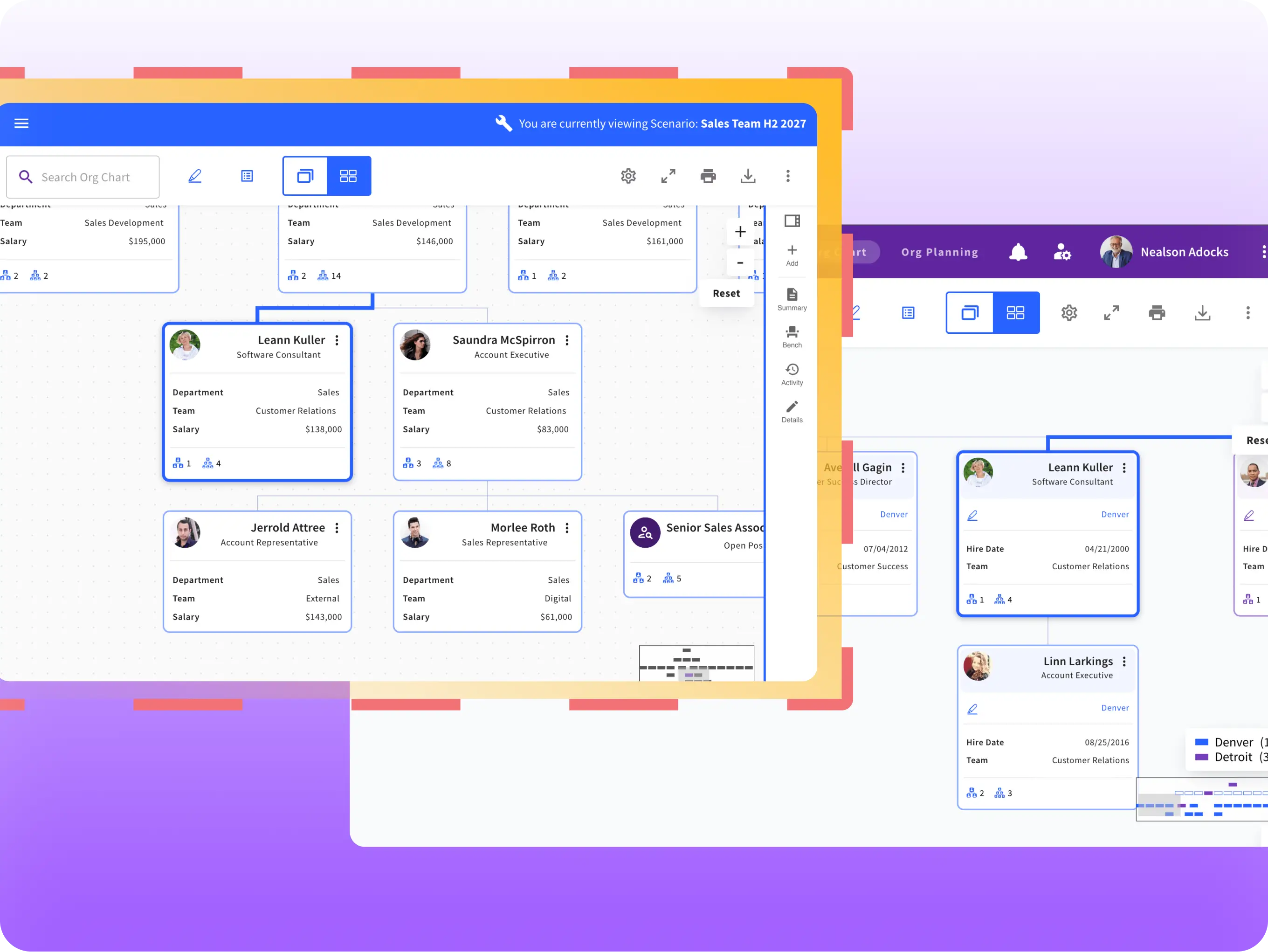
Most org planning still happens with a knot in your stomach — because the tool you're using is either a static slide that's stale the moment you save it, or the live system of record itself, where one wrong edit ripples into payroll and reporting lines that real people depend on.
Sift's Org Planning module gives you a real planning environment instead: build a Scenario from your existing org data or a blank canvas, reshape teams, model a reorg, plan for growth, or mock up a merger — all without ever touching the live directory. Nothing changes downstream until you decide it should.
Org planning has always happened in the dark — a spreadsheet on one person's laptop, a static export emailed around for "feedback," a deck that's already stale by the time it reaches the room. When HR builds a plan in isolation, Finance finds out too late, frontline leaders never get a say, and by the time everyone's aligned, the plan has already changed three times.
Sift Org Planning brings the whole conversation into one shared scenario. Comment directly on a node or the plan as a whole, and watch a live activity feed track every change as it happens — so the people who need to weigh in can, before decisions are locked in, not after.
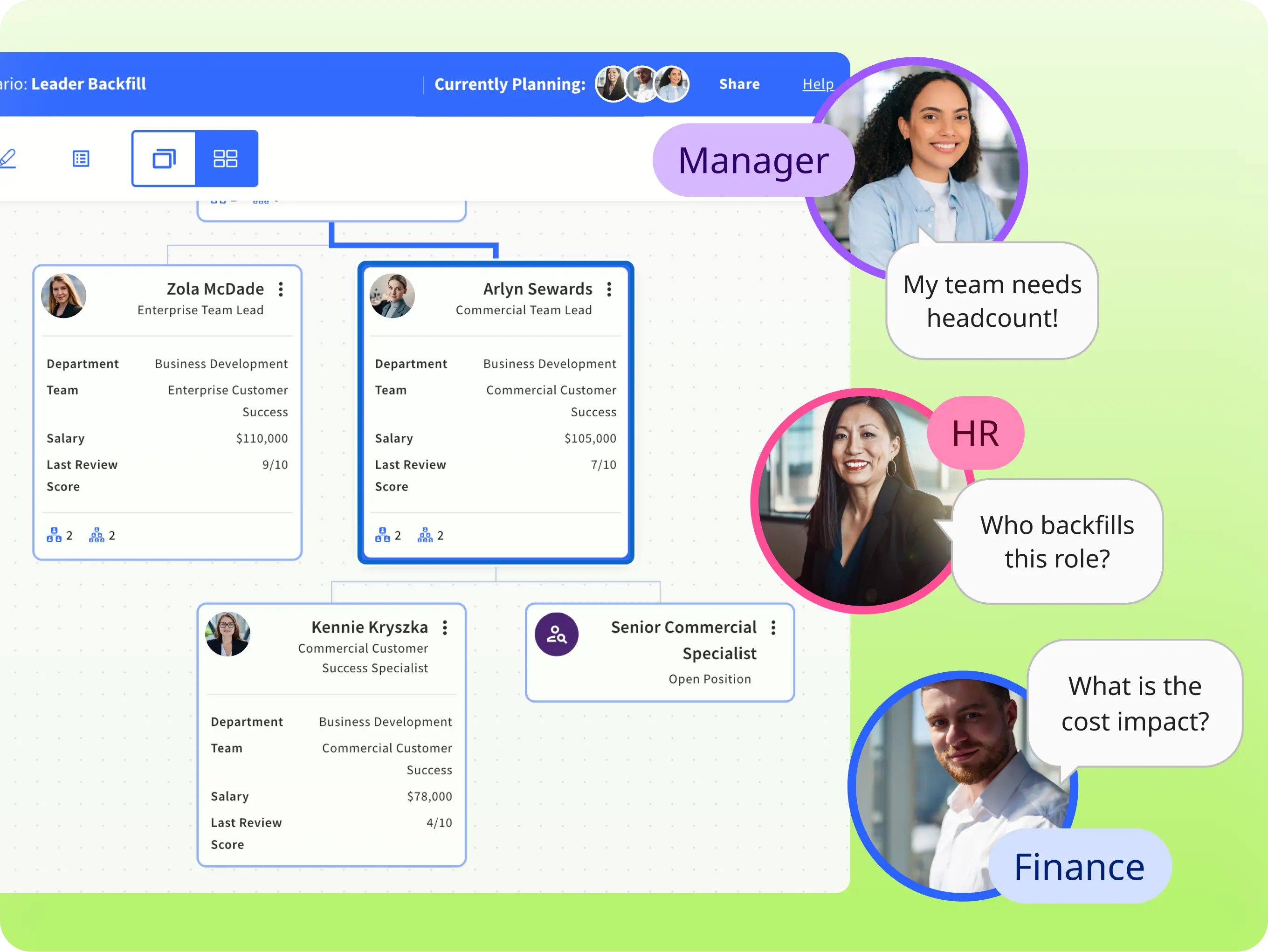
Most planning tools are built for finance systems, not for the people who actually run the org. Sift flips that: an intuitive, drag-and-drop canvas that mirrors how orgs actually think, open to HR, Finance, and the frontline managers closest to the work.
Because Scenarios are shared and co-editable, and kept separate from your live org, HR and Finance build from the same plan instead of reconciling two different spreadsheets after the fact. No one exports a private copy and forwards it later. Move people and positions together, park displaced employees on the Bench until they have a new home, and add net-new roles for hiring-surge planning, all in the same collaborative space.
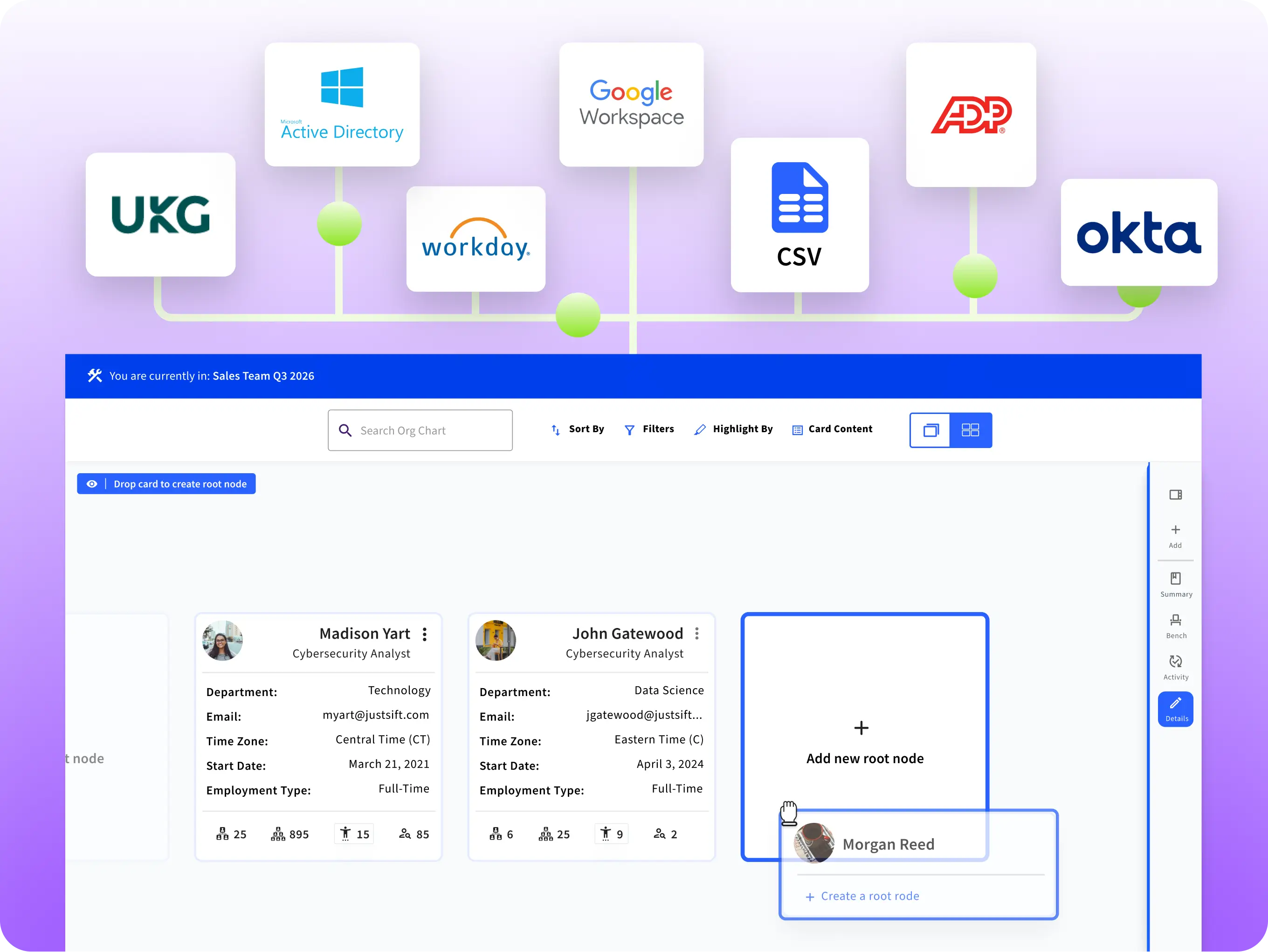
A plan is only as good as the data underneath it. Sift Org Planning pulls scenarios directly from your existing data, so every "what-if" starts from your actual org, not a snapshot someone remembered to update.
Sift is a Workday Marketplace partner and UKG Partner, so that connection is vendor-maintained, not something your HRIS admin has to hand-configure with API keys. For the IT and systems stakeholders in the room, that's the difference between a plan you can trust and one you have to double-check.
Every change rolls up automatically into a live Scenario Summary — headcount, compensation, and org shape, updated as you drag, drop, and rearrange. No manual recalculation, no waiting for someone to rebuild the numbers after the meeting.