
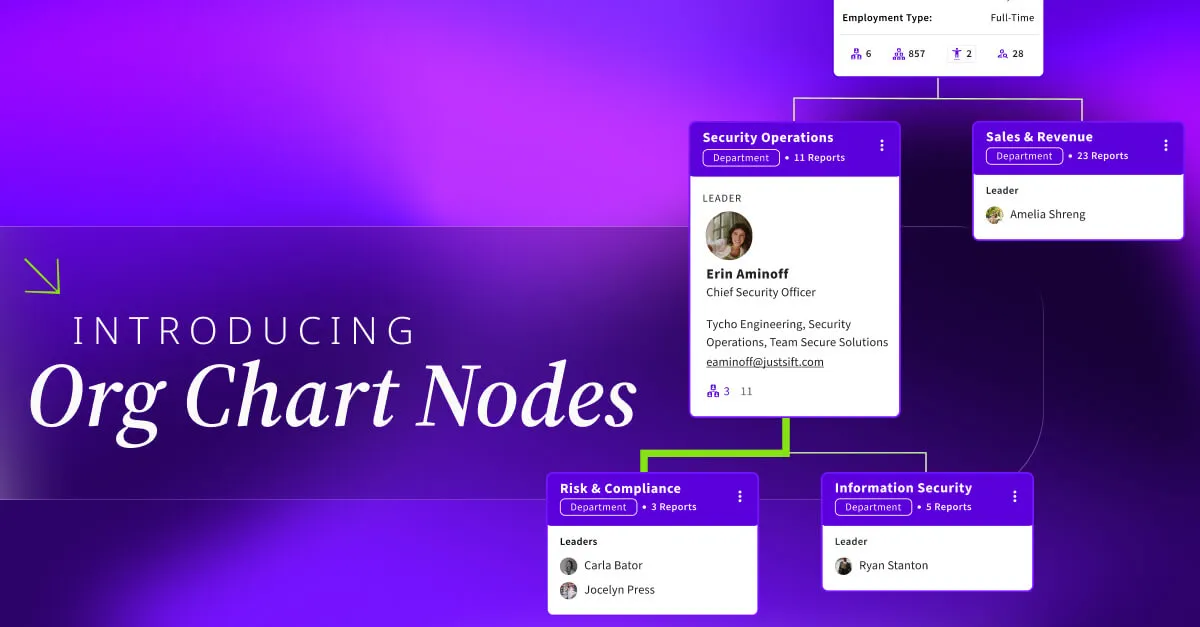

Have you ever opened an org chart only to be met with a sea of thousands of names and faces, leaving you more confused than when you started? While seeing individual teammates is great, it’s often hard to step back and understand the actual "skeleton" of your company.
We heard your feedback, and we’re excited to announce a major evolution to the Sift experience: Organizational Nodes.
See the Forest and the Trees
Currently, most org charts focus solely on individuals. If you want to see how departments are structured or how different groups roll up to one another, you’re often stuck piecing the puzzle together manually.
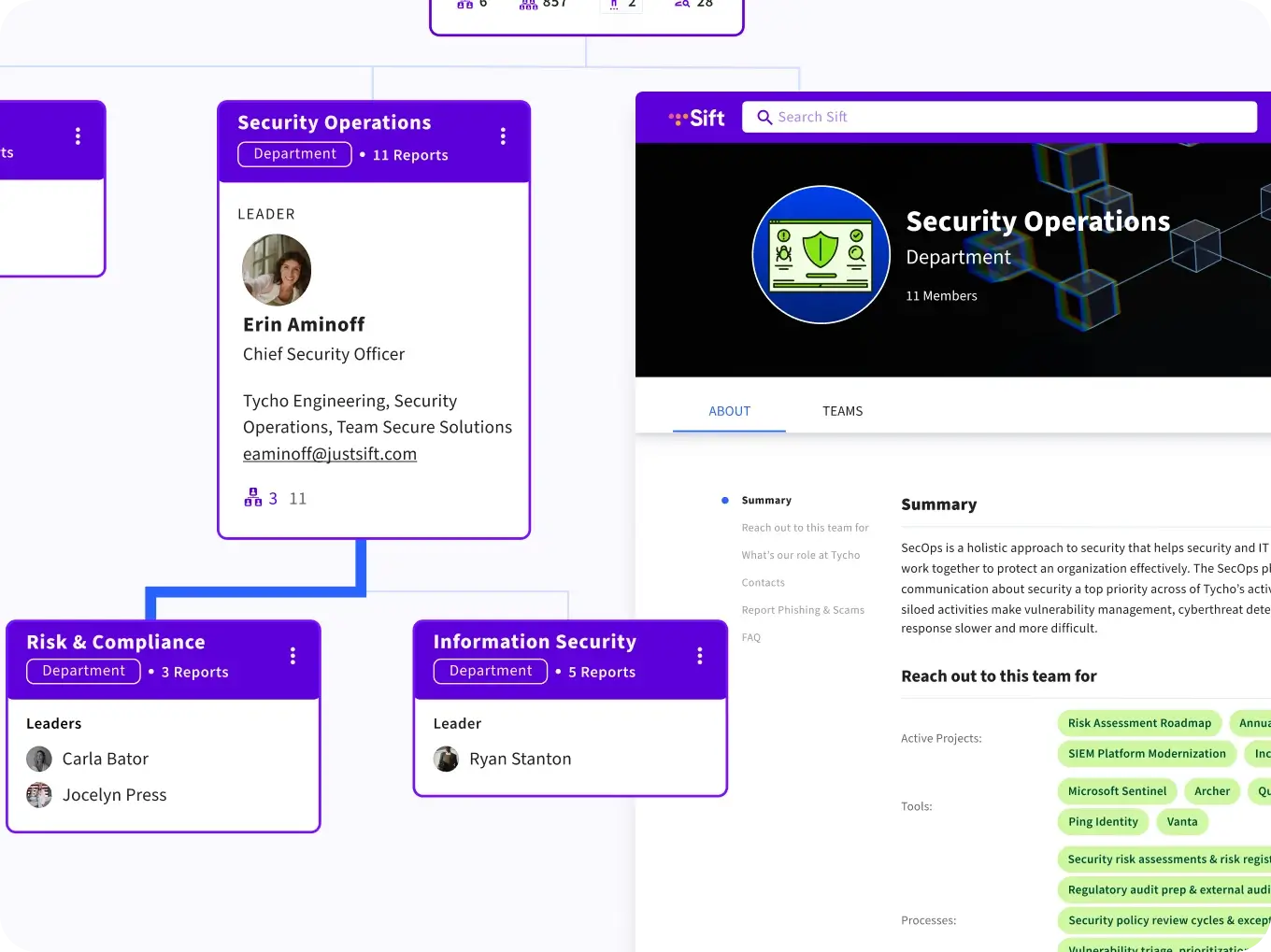
Organizational Nodes change that by integrating structural "buckets"—like departments, functions, or teams—directly into your chart view. It’s a high-level, bird’s-eye view that lives right alongside individual user cards.
Why You’ll Love It
- Instant Structural Clarity: No more being overwhelmed by data. You can now collapse or expand nodes to control how much information you see at once.
- Automated Hierarchy: You don’t have to spend hours manually building these structures. Nodes are generated automatically via CSV upload, removing the headache of manual maintenance.
- One-Click Context: Every node can now be hyperlinked to external sources, such as your company intranet or Sift Pages. This allows team members to jump directly from the org chart to a team’s "Home Page" to learn about their mission, current projects, and how they operate.
- Unified Context: See exactly where a specific team sits within the broader company ecosystem in one single, seamless view.
Instead of being overwhelmed by thousands of names, a new teammate can now see high-level organizational branches and immediately grasp how different parts of the business connect.
Getting Started
We want to make sure you have the best experience on day one. Here are a few things to keep in mind as you begin to set up your nodes:
- CSV-Powered: For this initial launch, automatic node generation is powered by CSV uploads.
- Cloud Integrations: If you currently use Azure or Google Workspace, you can still join the fun! You’ll just need to convert your data to a CSV or use Sift Pages to create your nodes manually.
- Platform Friendly: Sift remains fully compatible with your favorite browsers, including Chrome, Safari, and Firefox.
Availability
This feature is rolling out to users on the Org Chart only or Sift Complete plans.
Whether you are an HR leader looking to organize your workforce or a new hire trying to find your way, Organizational Nodes are here to help you navigate your company with confidence.